Quickstart
Your first session with nixmac
This guide walks you through your first nixmac session: ask the AI agent to add command-line tools, activate the change, and commit the resulting configuration.
1. Open nixmac
Launch the app. If this is your first time, nixmac will guide you through installing Nix and setting up a nix-darwin configuration at ~/.darwin/.
Before sending your first prompt, make sure an AI provider is configured. The fastest path is Settings → API Keys → OpenRouter. If you prefer local models on your Mac, configure Ollama instead. Self-hosted endpoints and external CLI providers are advanced options covered in Evolve.
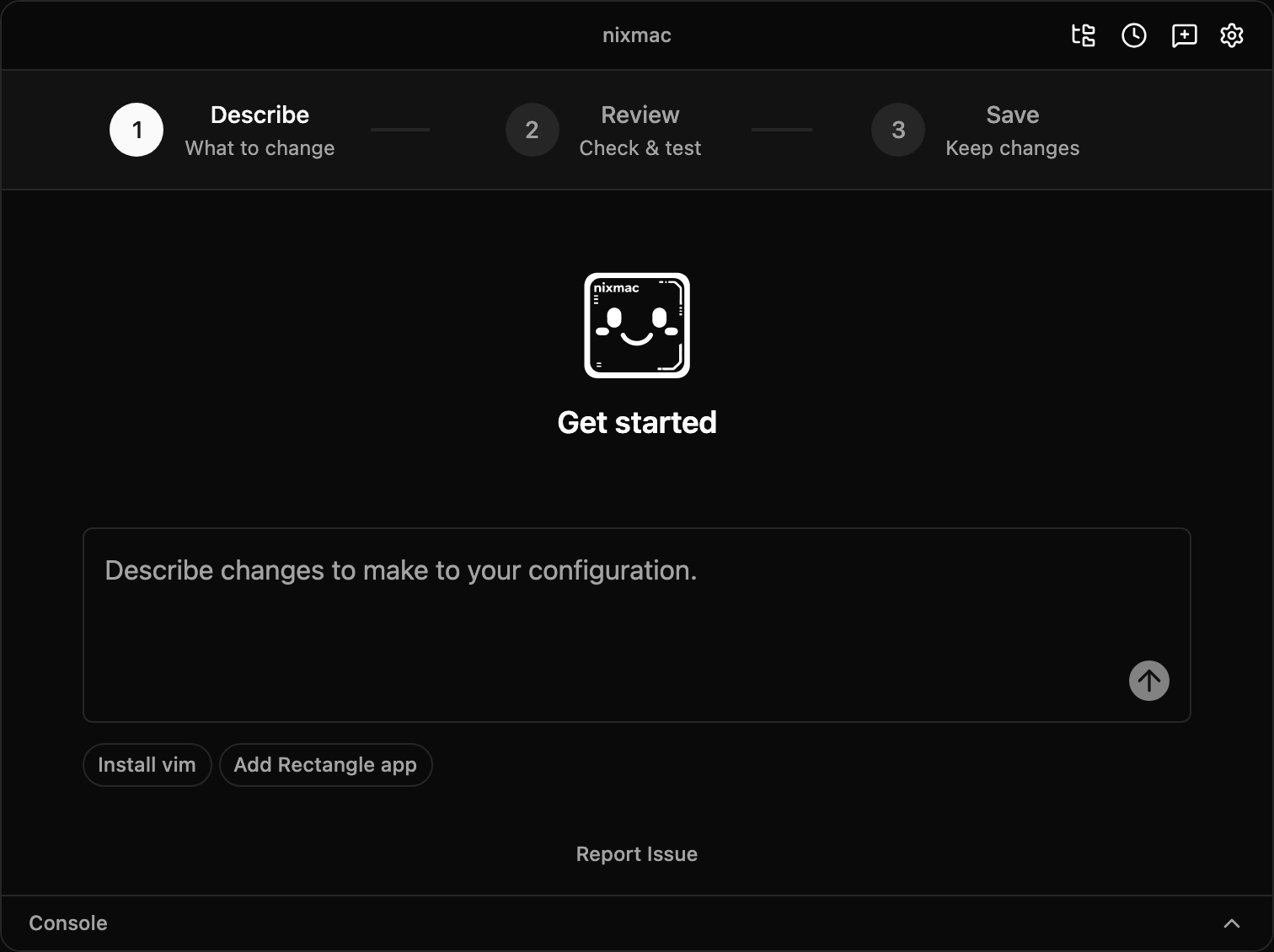
2. Tell nixmac what you want
In the chat interface, type a natural-language request:
Add system monitoring tools like htop and btop to my Nix configuration.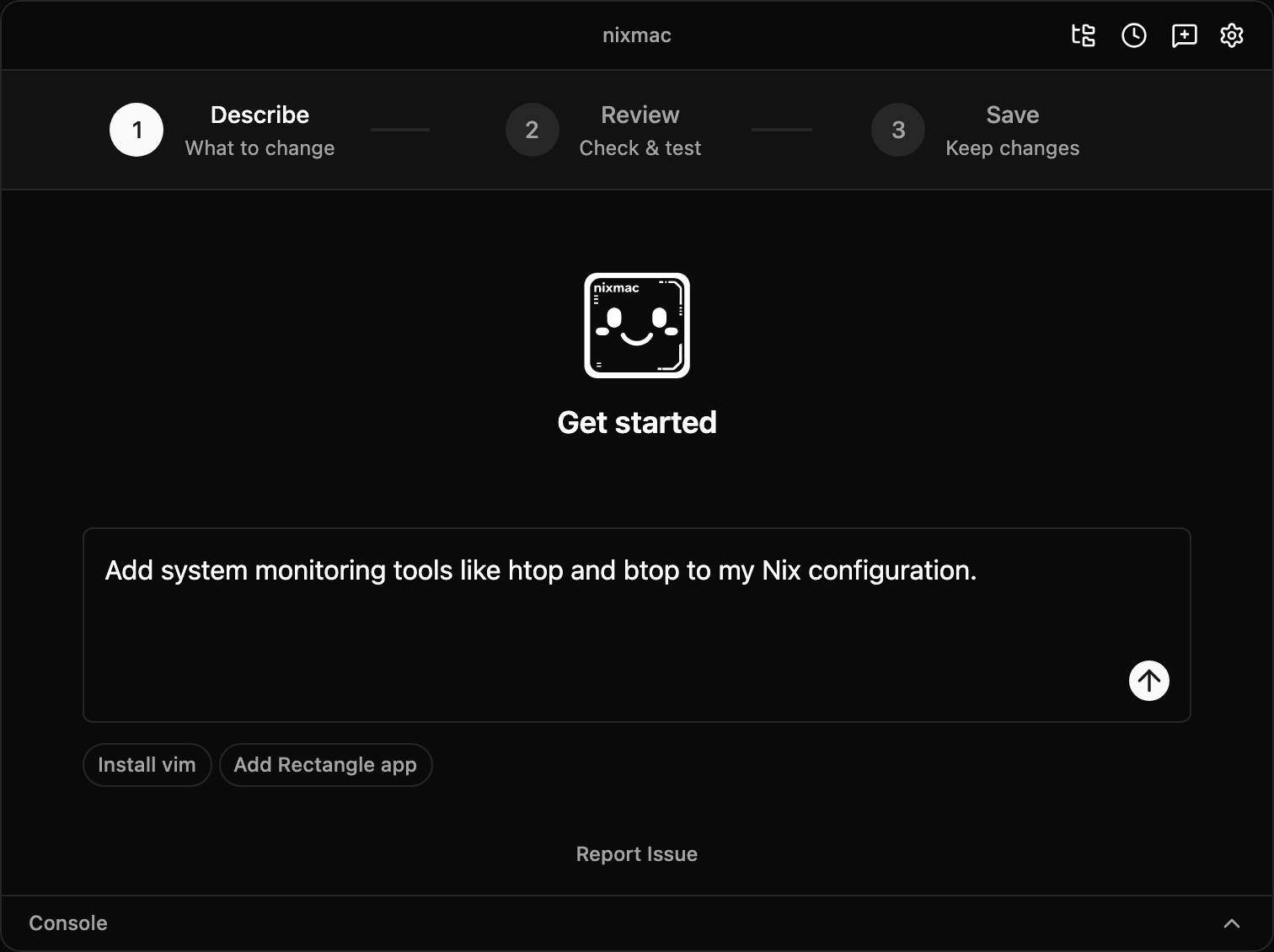
The AI agent will:
- Read your current configuration
- Find the right module file (e.g.,
configuration.nix) - Add the packages to your system package list
- Run build checks while it works so Nix errors can be fixed before you apply anything
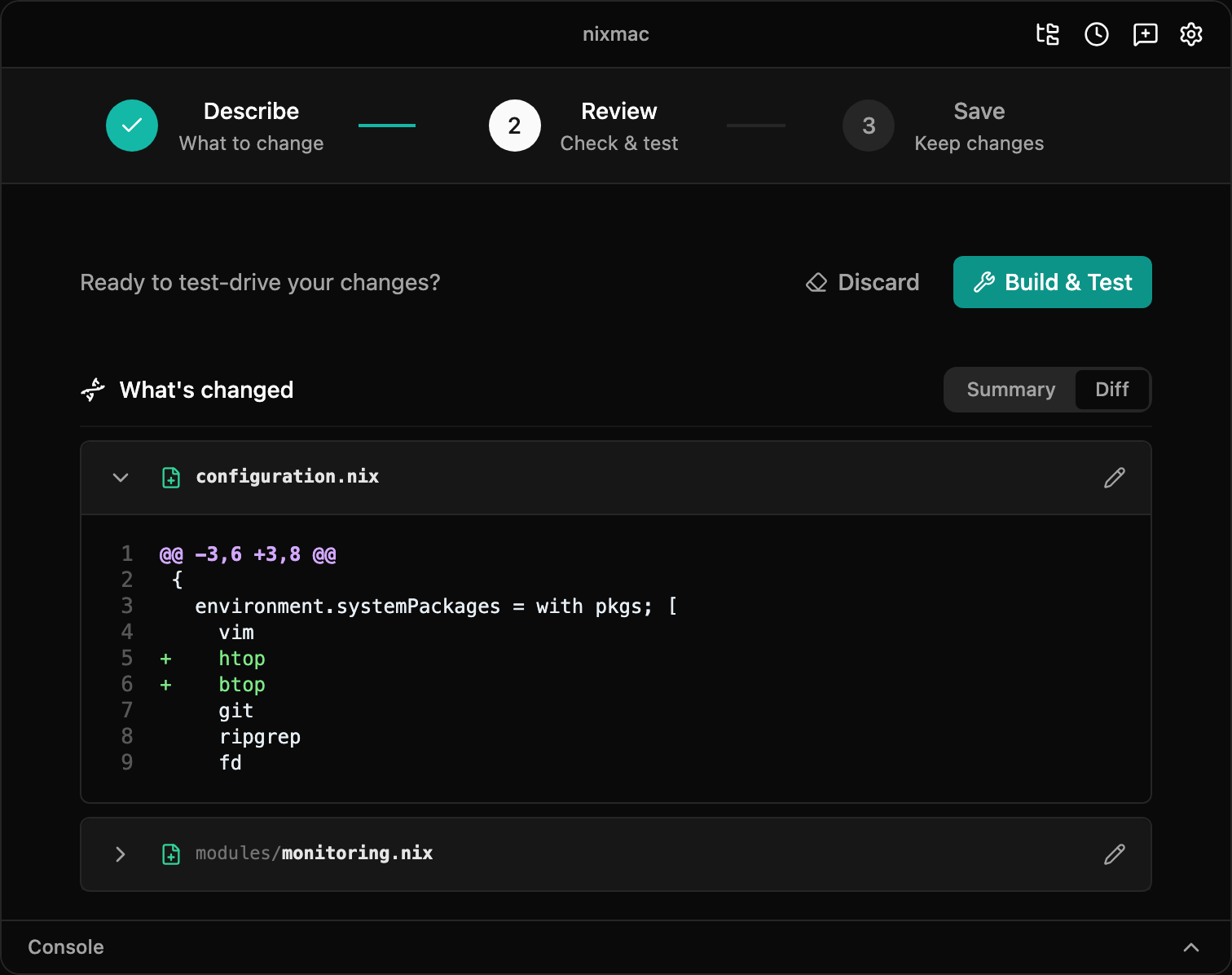
You'll see the changes appear in the app — nixmac shows you which files were edited and what was added.
3. Build & Test
After the agent finishes editing, nixmac shows a Build & Test button. Click it to build the nix-darwin configuration and activate it. This is the system-changing step: nixmac runs the build as your user, then asks macOS for administrator approval before activating the result.
If the build or activation fails, nixmac shows the error output so you can ask the agent to fix the configuration and try again.
4. Commit or undo
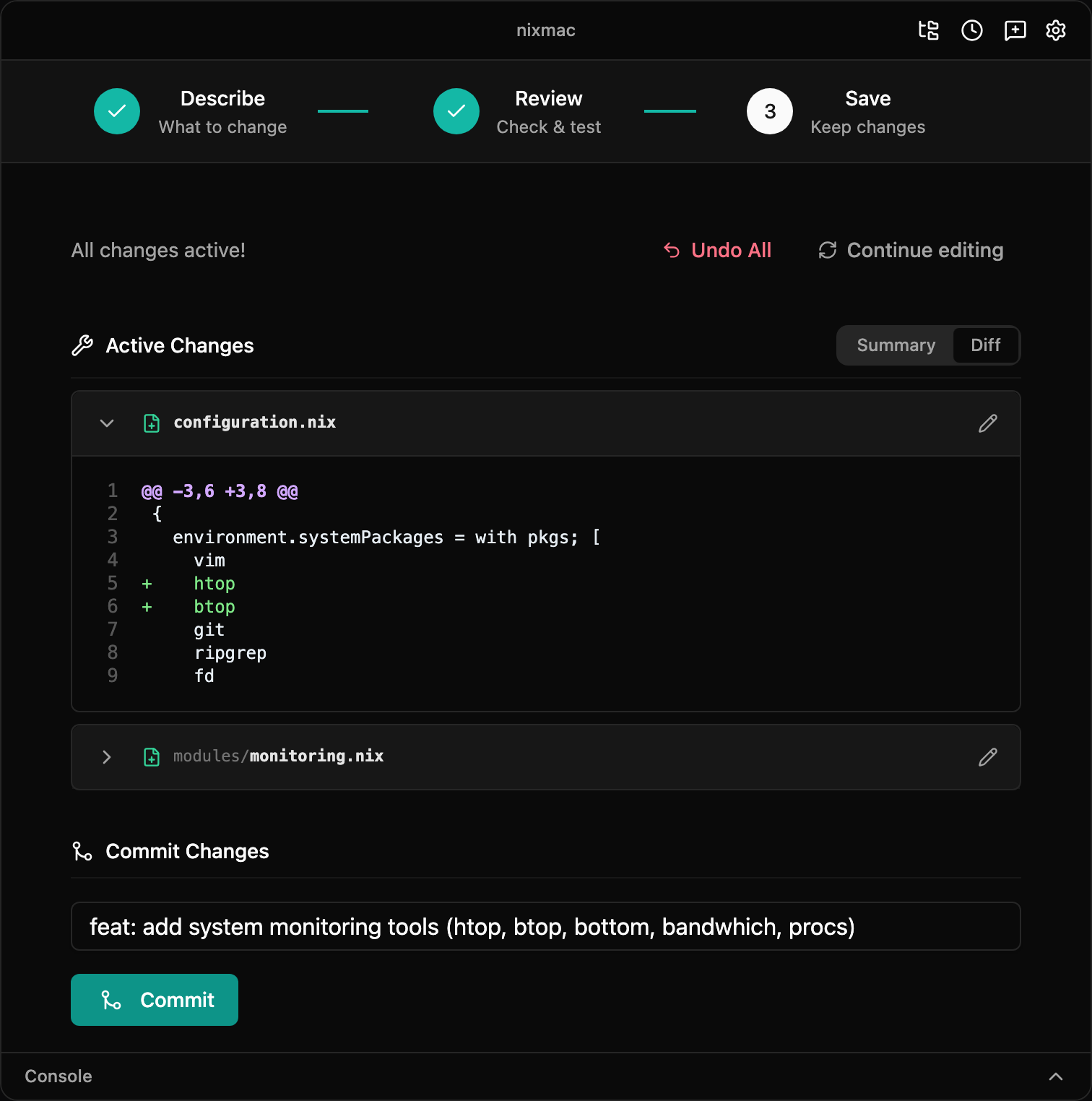
Once Build & Test succeeds, the changes are active on your Mac but still uncommitted. nixmac shows which files changed and a suggested commit message.
- Commit — saves the active configuration to your git history
- Undo All — restores your config to the previous committed state and rebuilds so the running system matches it again
5. Using the CLI
You can also use nixmac from the terminal:
nixmac evolve "install ripgrep, fd, and bat"The CLI runs the same AI agent as the GUI. It requires a prompt as a positional argument:
nixmac evolve "set the dock to autohide and move it to the left"
nixmac evolve "add neovim and configure it with lua support"
nixmac evolve "explain what my flake.nix does"
Additional CLI options:
nixmac evolve "install nodejs" --config /path/to/config
nixmac evolve "install nodejs" --max-iterations 5
nixmac evolve "install nodejs" --evolve-provider openrouter
What just happened?
You described what you wanted in English. The AI agent edited your nix-darwin configuration files — standard .nix files using standard nix-darwin modules. Build & Test activated the new configuration, then Commit recorded that active state in git.
Your ~/.darwin/ directory is a git repository. Every change is tracked. You can version-control it, push to a remote, and reproduce your setup on another Mac.