Introduction
What nixmac is, how it works, and how it relates to nix-darwin
What is nixmac?
nixmac is a native macOS desktop app that helps you manage your nix-darwin configuration using an AI coding agent. Instead of manually editing .nix files, you describe what you want in natural language and nixmac makes the changes for you.
nixmac is built on standard nix-darwin. Your configuration is a regular Nix flake that works with darwin-rebuild — nixmac adds an AI interface on top.
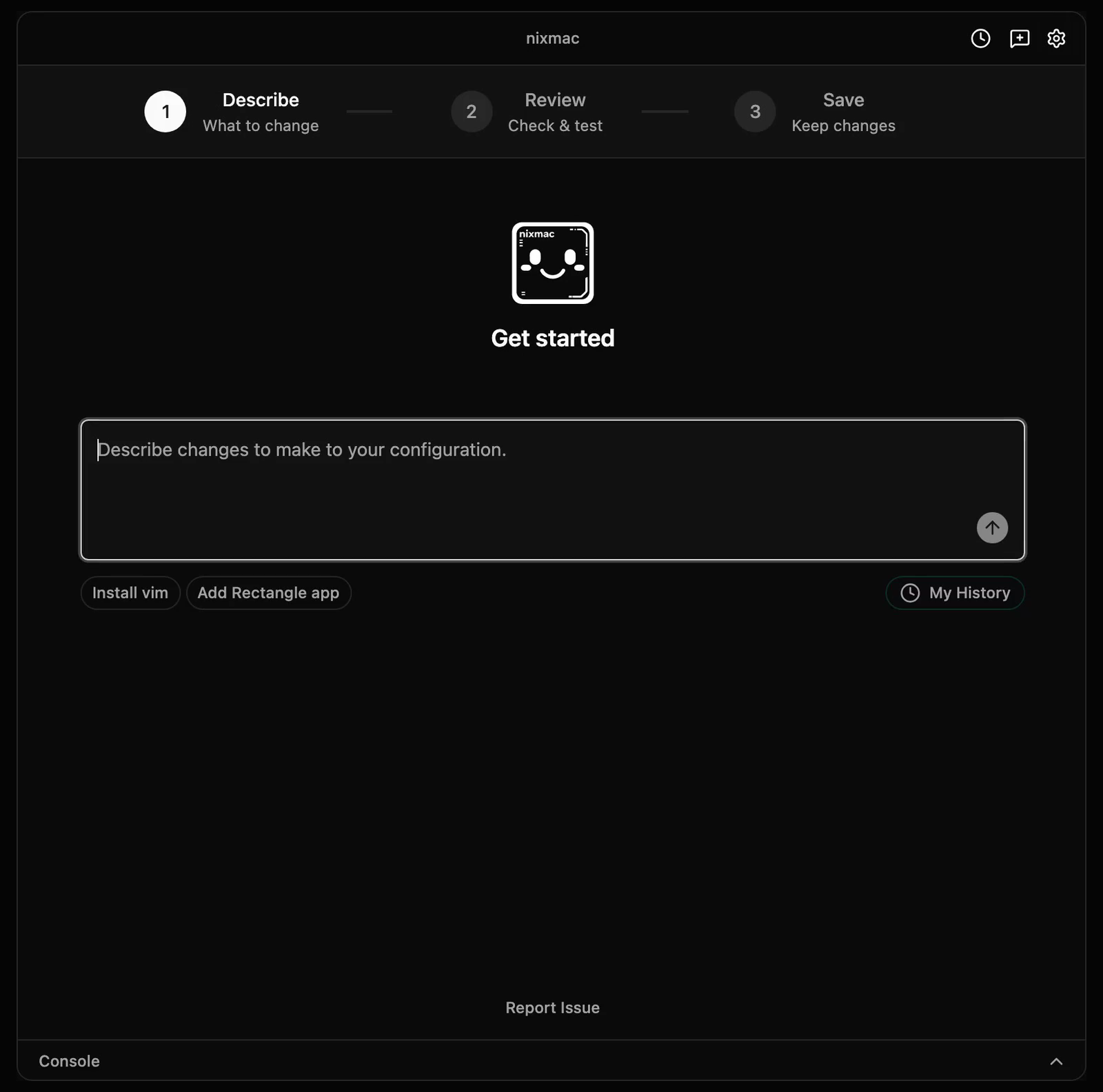
How it relates to nix-darwin
If you already know nix-darwin, nixmac is a GUI + AI layer over it:
| You want to... | Without nixmac | With nixmac |
|---|---|---|
| Install a package | Edit environment.systemPackages in your .nix file | Tell nixmac "install ripgrep" |
| Set Dock to autohide | Add system.defaults.dock.autohide = true; | Tell nixmac "make the dock autohide" |
| Fix a build error | Read the error, find the issue, edit the file | Paste the error — nixmac diagnoses and fixes it |
| Rebuild | darwin-rebuild switch --flake . | Click Build & Test in the app |
In every case, the result is the same: a standard nix-darwin configuration that you own and can edit directly.
Key concepts
The AI agent
nixmac's core is an AI coding agent that understands nix-darwin. When you give it a prompt — either through the app's chat interface or via the CLI — it:
- Reads your current configuration files
- Determines which files and attributes to change
- Makes targeted edits using structured Nix editing tools
- Runs build checks while it works so obvious Nix errors can be fixed before handoff
- Shows you what changed so you can build, activate, commit, or discard
The agent can:
- Install or remove packages via
environment.systemPackages - Configure macOS system preferences via
system.defaults.* - Manage dotfiles and programs through home-manager
- Add fonts, scripts, or custom packages
- Diagnose and fix build errors
- Explain how your nix-darwin configuration works
Your configuration directory
Your nix-darwin configuration lives at ~/.darwin/ by default (configurable in the app's settings). This directory contains your flake.nix and module files — standard Nix that nix-darwin and darwin-rebuild understand natively.
Build & Test, Then Commit
After the AI edits your config files, nixmac follows an activation-first workflow:
- Build & Test — builds the nix-darwin configuration and activates it with macOS administrator approval. This is the system-changing step.
- Active, uncommitted changes — after activation succeeds, nixmac shows the changed files and a suggested commit message. The changes are live on your Mac but not yet recorded in git.
- Commit or Undo — commit saves the active changes to git. Undo restores the last committed config and rebuilds so the running system matches it again.
nixmac tracks your ~/.darwin/ configuration in a git repository — every commit is a recoverable snapshot.
Transparency
nixmac does not define its own configuration language or wrap nix-darwin in a proprietary layer. Your flake.nix uses nix-darwin.lib.darwinSystem directly. You can:
- Open
~/.darwin/in any editor and make changes manually - Rebuild without nixmac:
darwin-rebuild switch --flake ~/.darwin(orsudo -i nix run nix-darwin/master#darwin-rebuild -- switch --flake ~/.darwinon Determinate Nix installs wheredarwin-rebuildis not globally available) - Move your config to another machine and use it with plain nix-darwin
- Inspect every change nixmac makes in the git history